Checking in and undo
Take one session off a customer’s package in two taps, and fix mistakes instantly.
Step by step
-
1
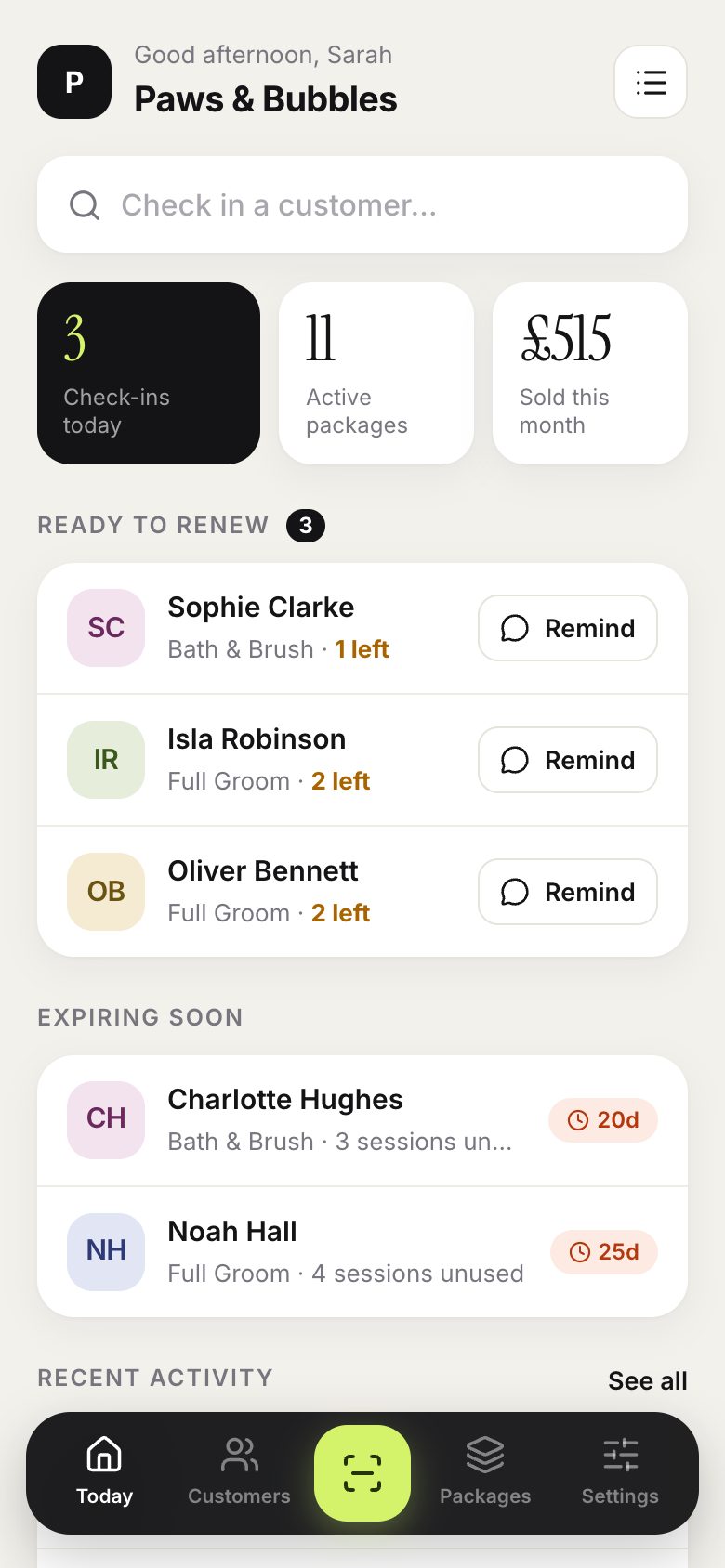
Today shows your check-ins, active packages and this month’s sales at a glance.
-
2
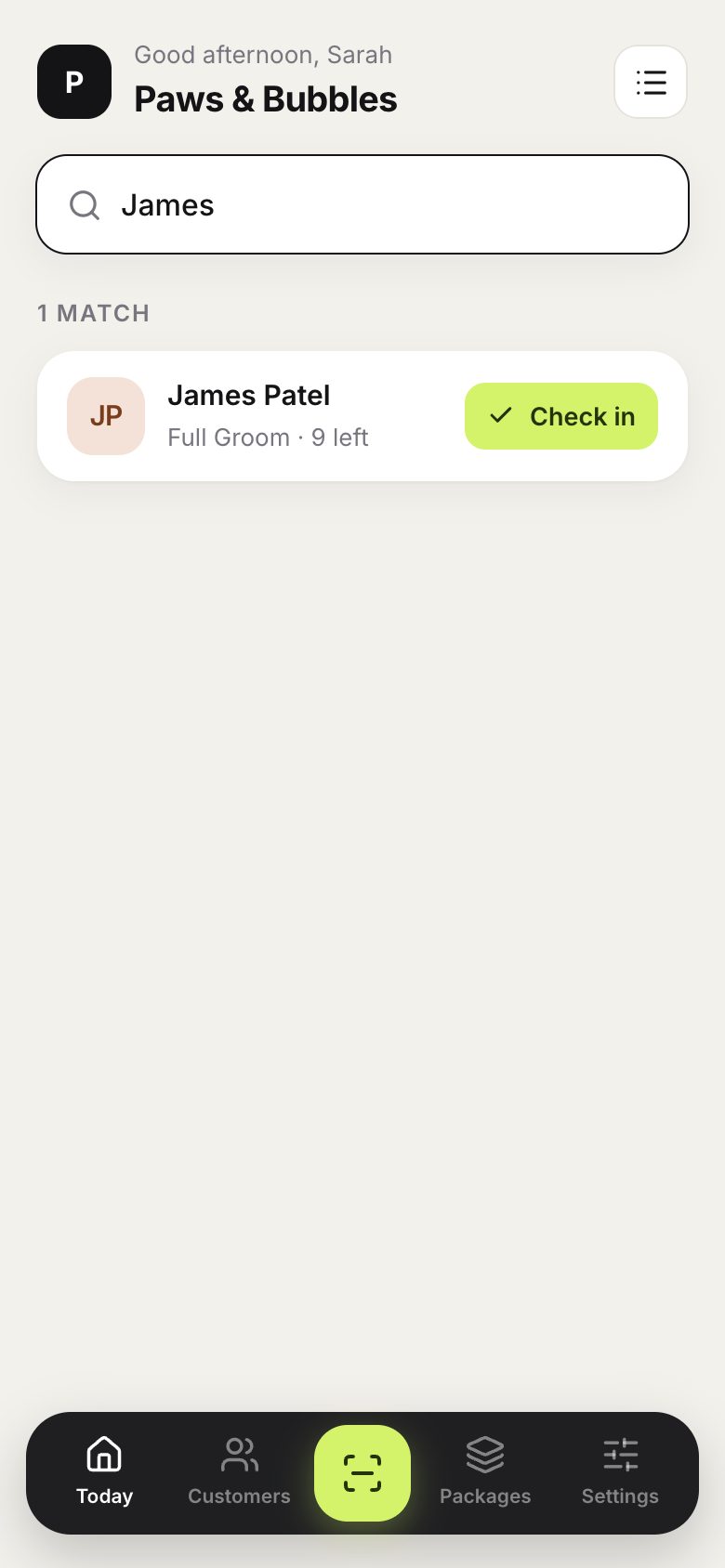
To check someone in, start typing their name, phone number or pet’s name.
-
3
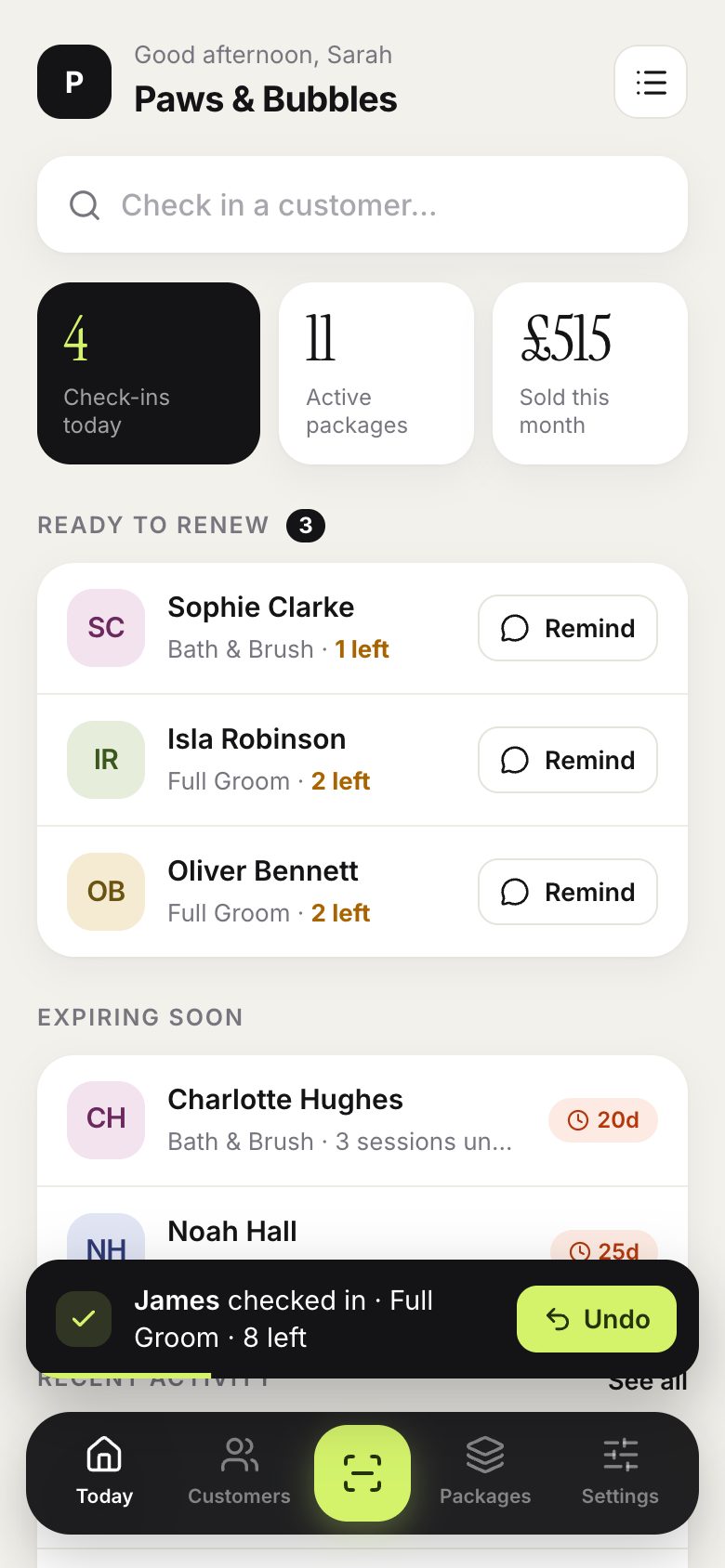
Tap Check in. One session comes off their package straight away.
-
4
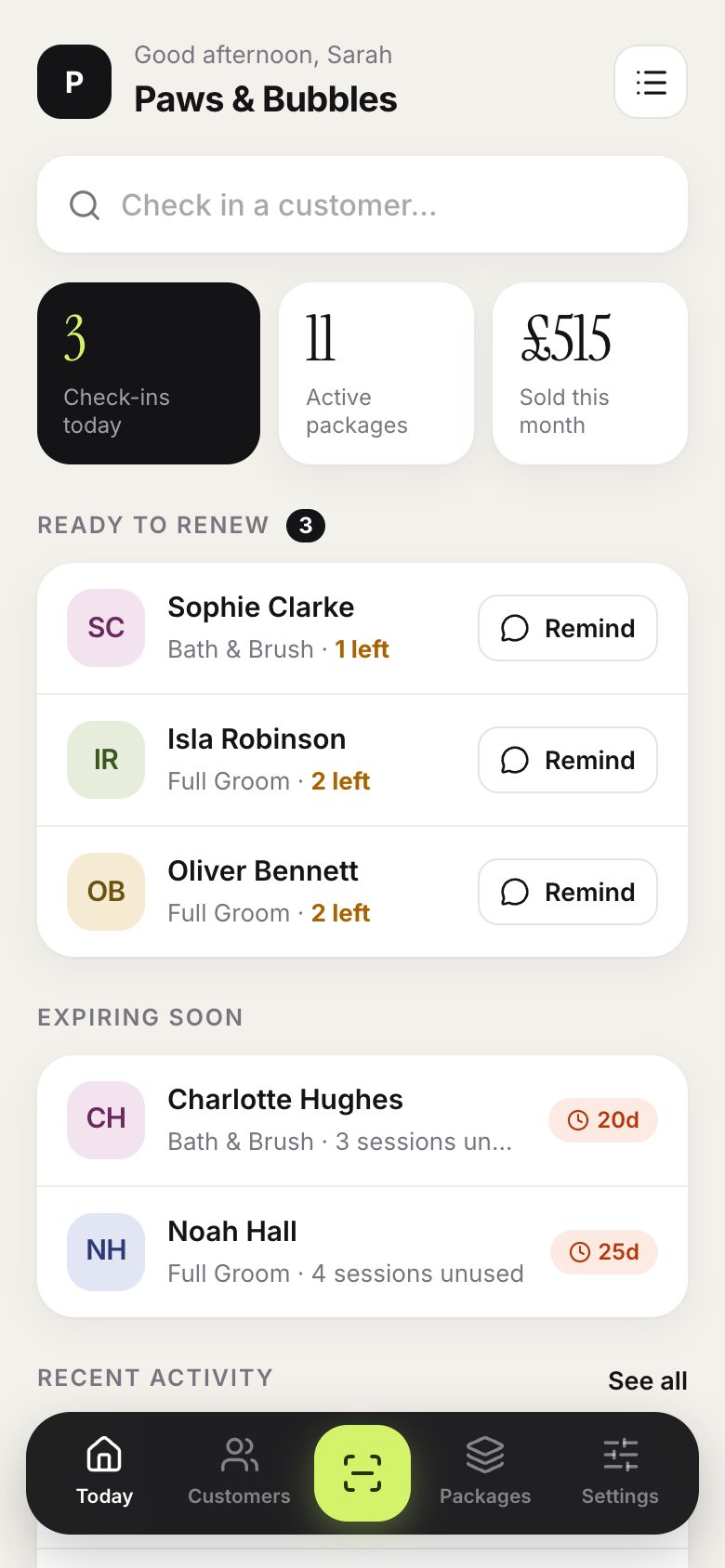
Tapped the wrong person? Tap Undo. The session goes back and both entries stay in the history.
Good to know
- If a customer has more than one active package, PassTally asks which one to use.
- Staff can undo their own check-ins for 24 hours. Owners can undo any check-in.
- Tapping twice by accident never takes two sessions: each tap is only counted once.