Using PassTally on a computer
The same account works in any browser, with a layout made for the front desk.
Step by step
-
1
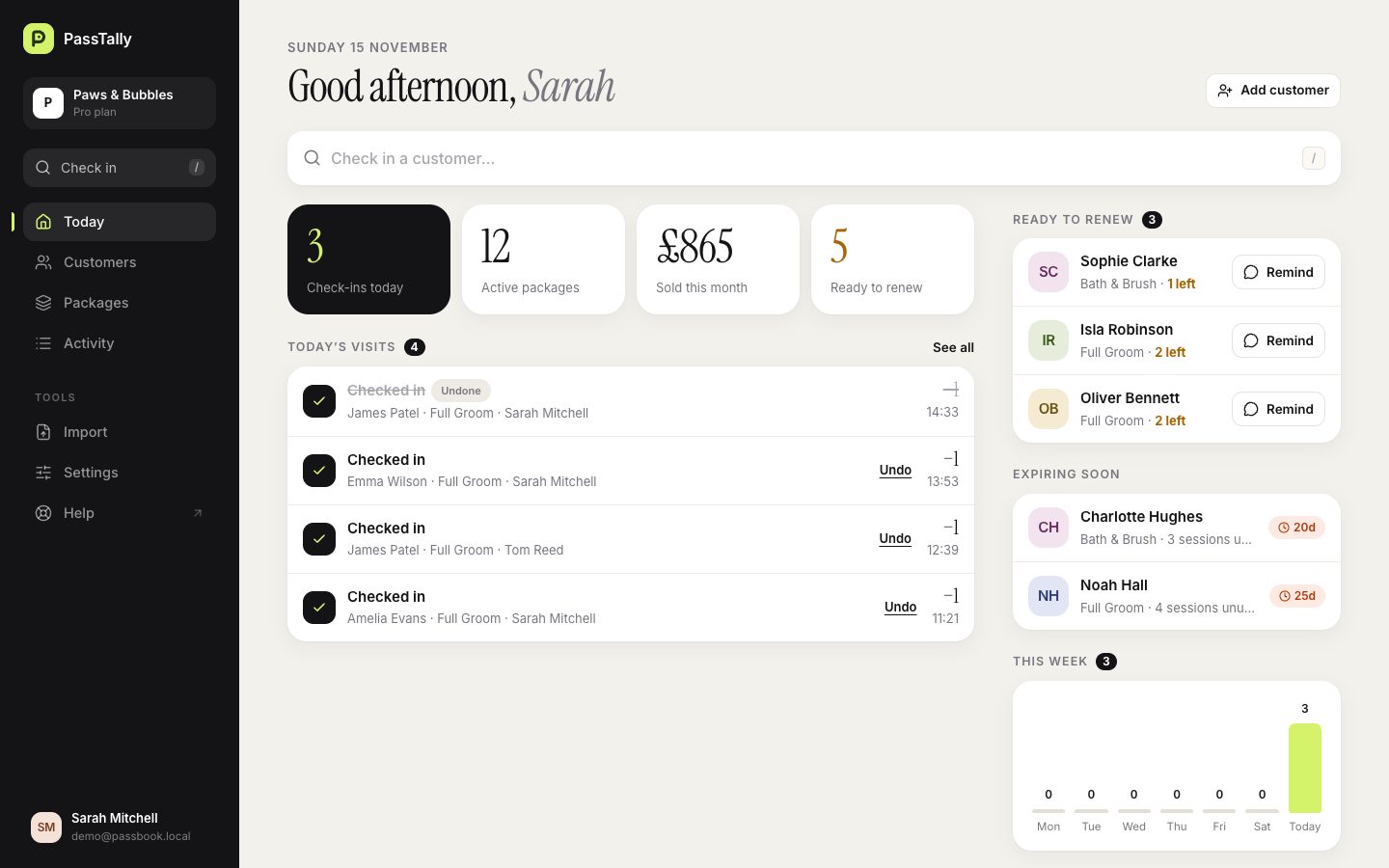
Open app.passtally.com on any computer and sign in with the same email.
-
2
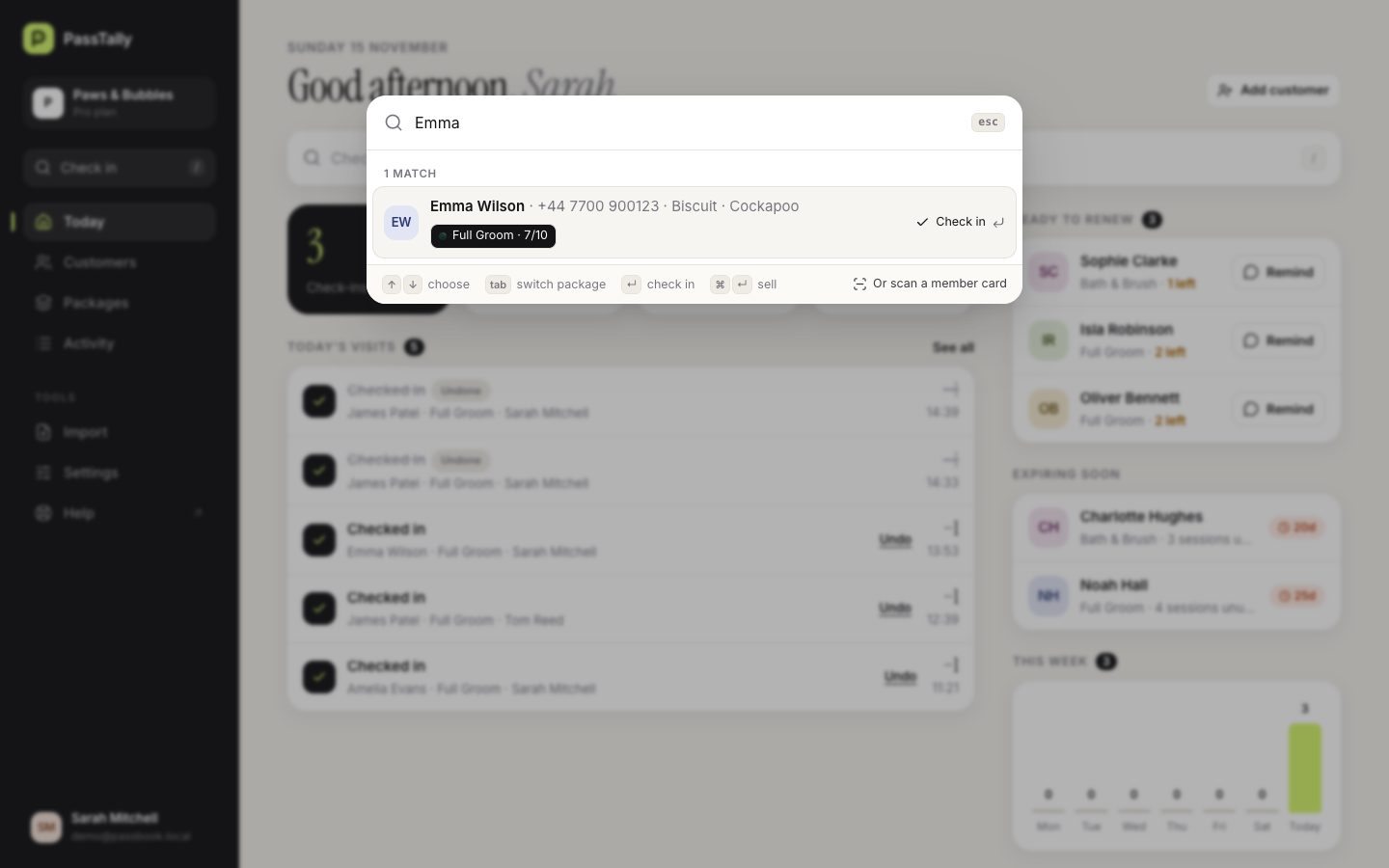
Press slash on any page, type a name and press Enter to check in. Press Z to undo. A USB barcode scanner works too.
-
3
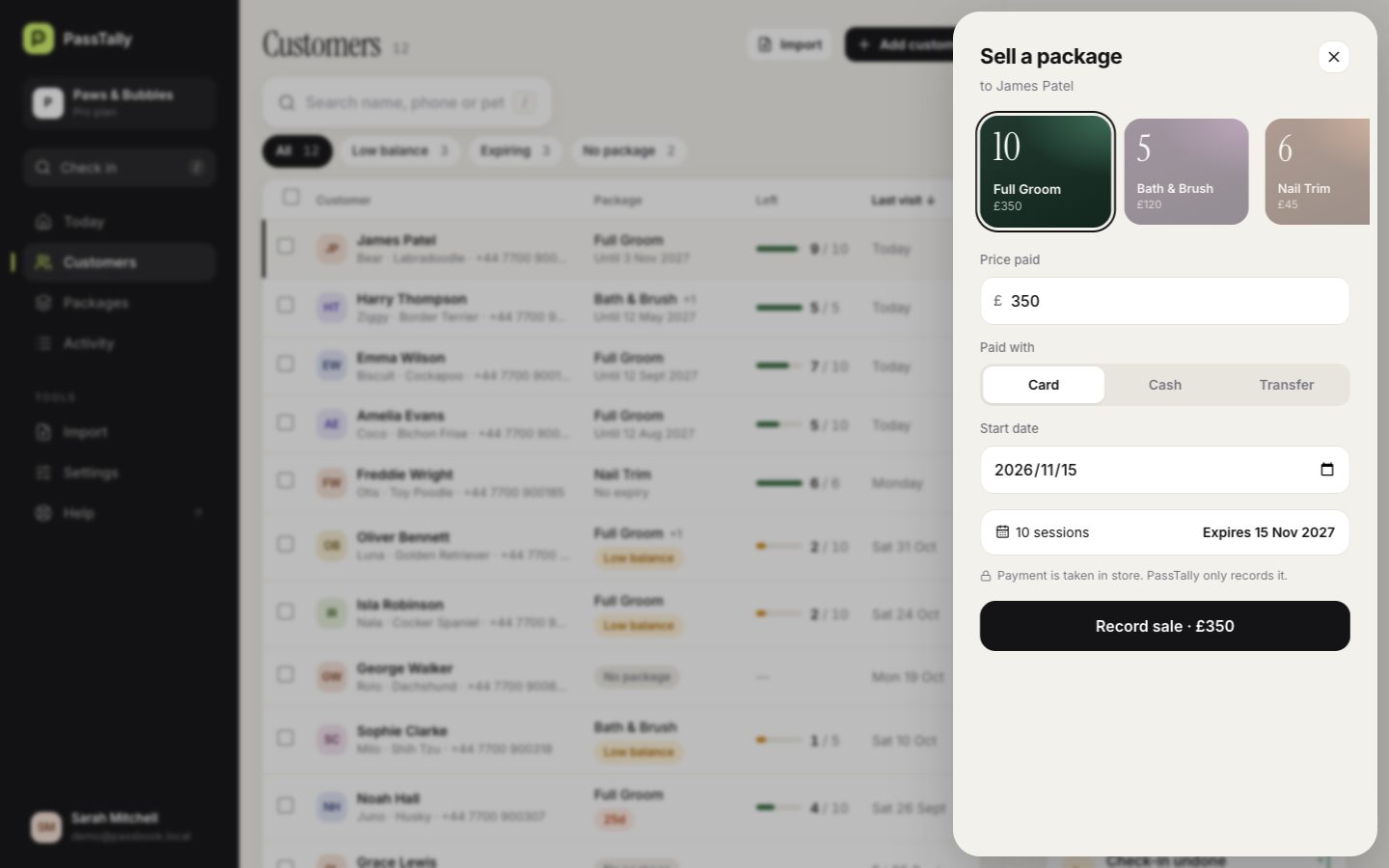
Customers sit in a table with their details on the right. Tick several to send reminders or export them.
Good to know
- On a computer you can drag a spreadsheet straight onto the Import page.