Getting started
Sign in with your email, tell us about your business and get your first packages ready in two minutes.
Step by step
-
1
Sign in with just your email address. There is no password to remember.
-
2
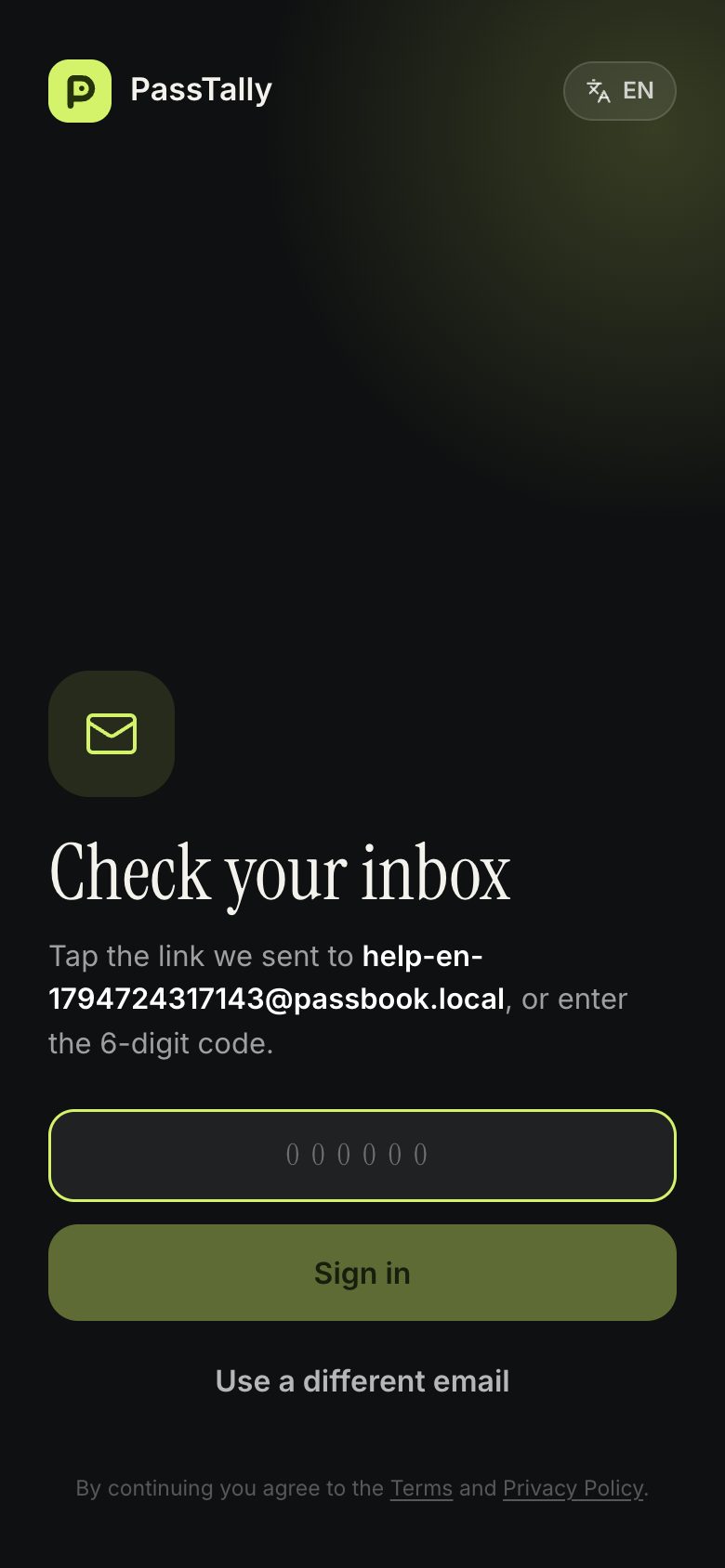
We email you a sign-in link and a six-digit code. Tap the link, or type the code here.
-
3
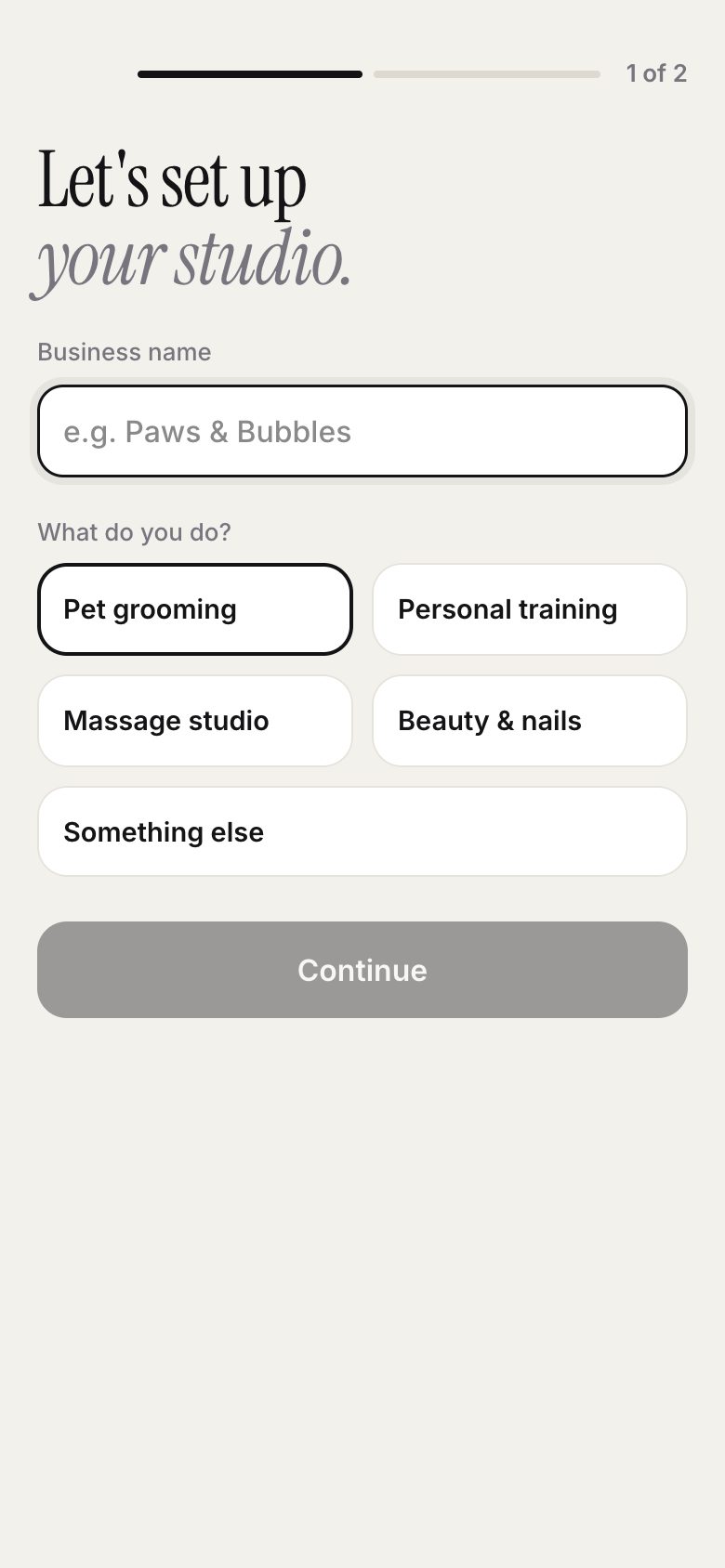
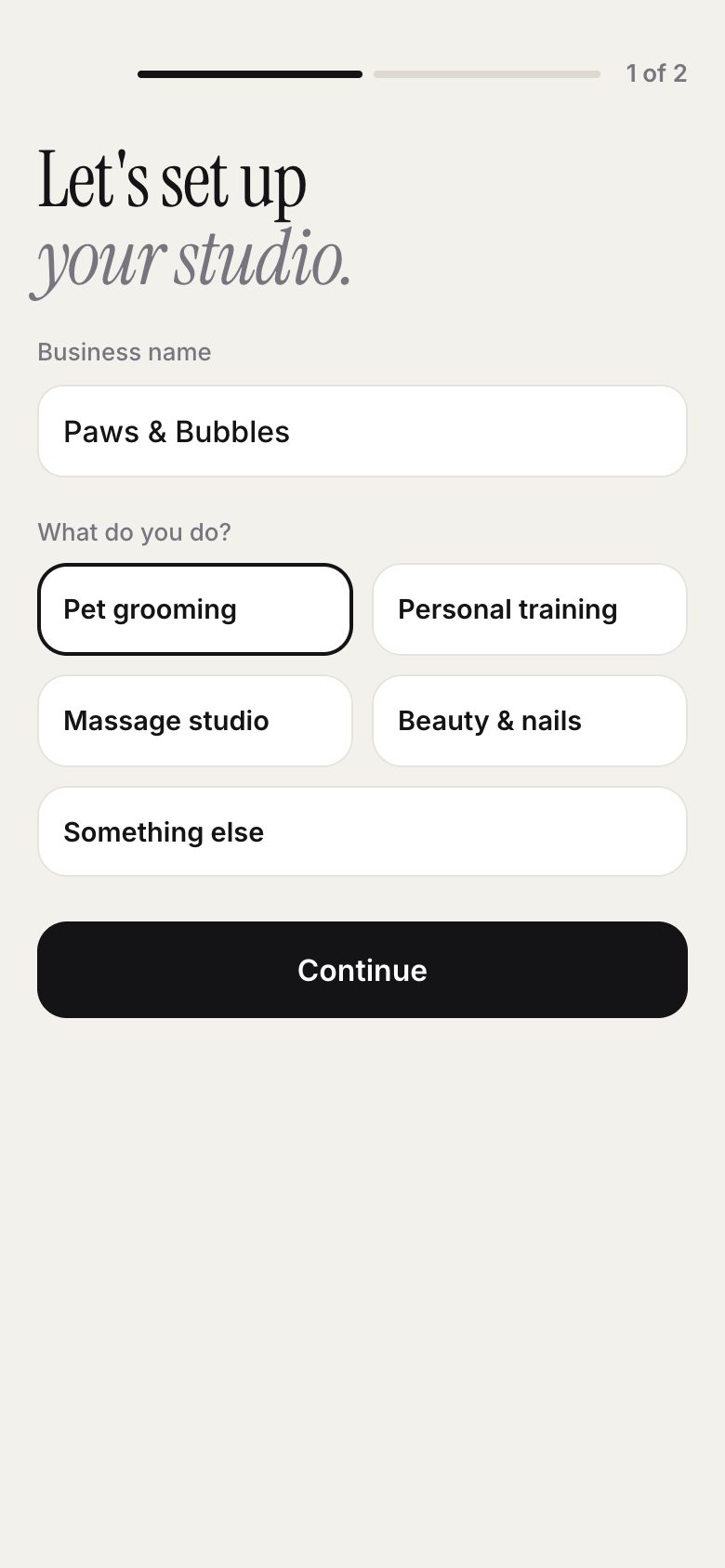
Add your business name and choose what kind of business you run.
-
4
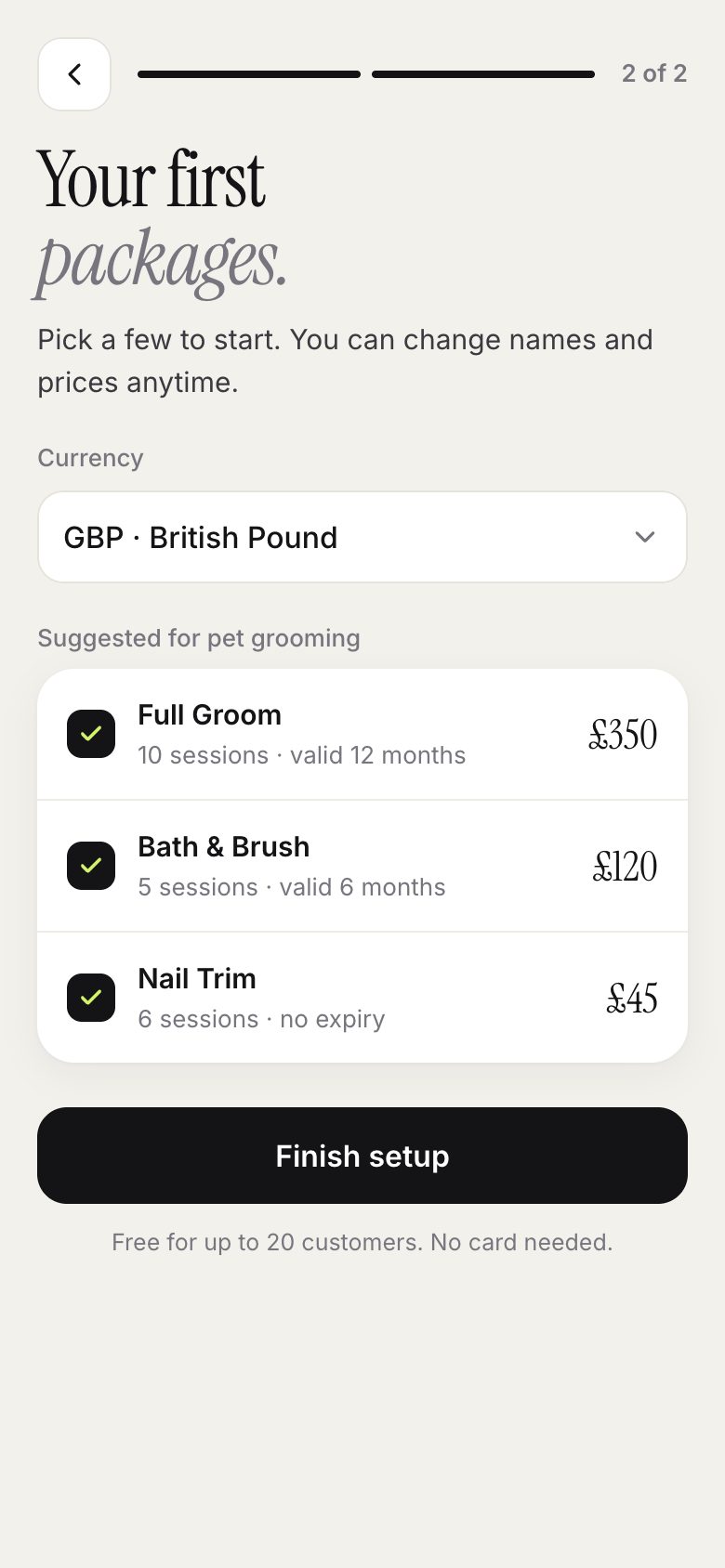
We suggest packages that studios like yours usually sell. Keep the ones you want; you can change them later.
-
5
Pick your currency and finish. You are ready to check customers in.
Good to know
- Install the PassTally app on your phone, or use it in any browser at app.passtally.com. The app store is optional: add the web app to your phone’s home screen, or to the Dock or desktop on Mac and Windows. Your data is the same everywhere.
- The interface follows your phone’s language. You can change it in Settings → Language.