Selling a package
Record a package when a customer buys one in your shop. Payment stays in your shop; PassTally just keeps count.
Step by step
-
1
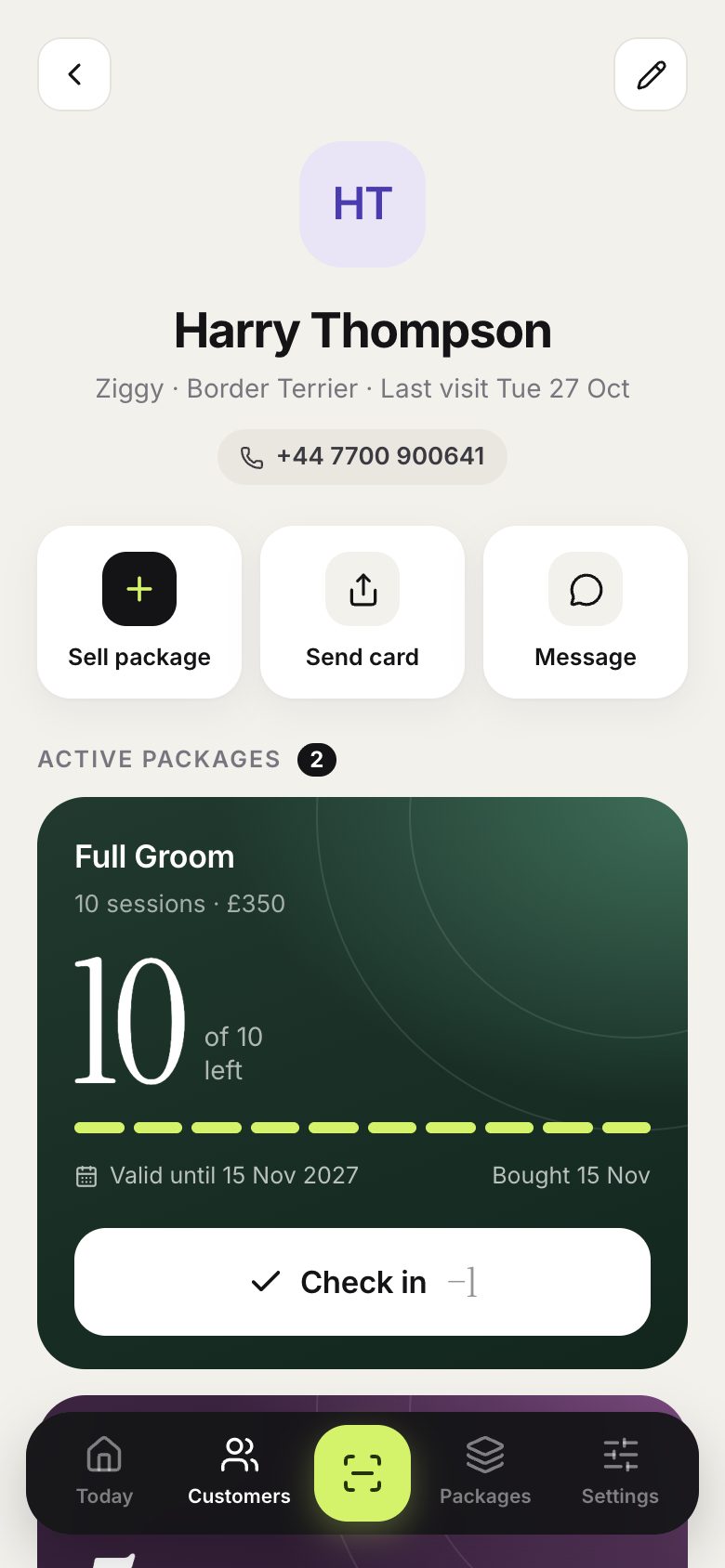
On the customer’s page, tap Sell package.
-
2
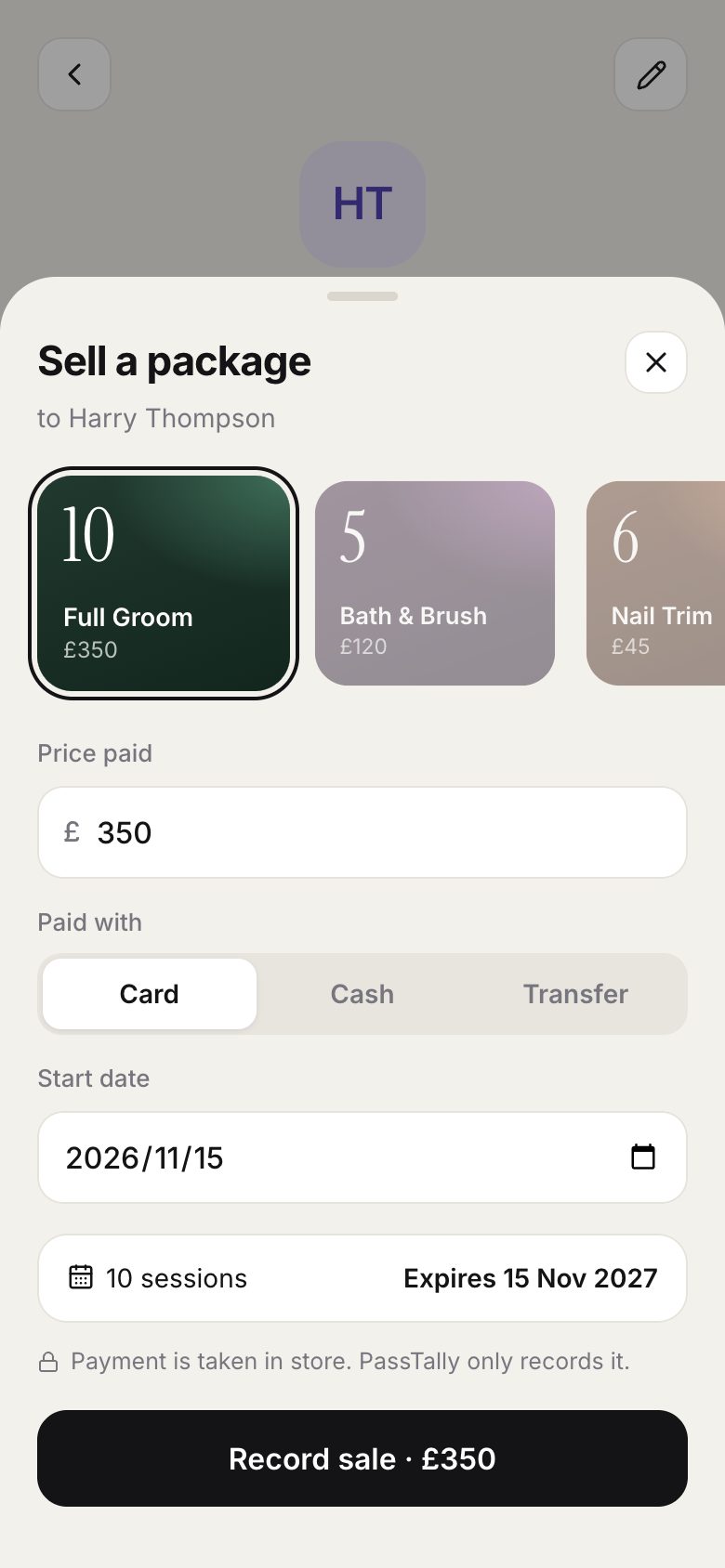
Choose the package. The price and expiry date come from the package; change the price if you gave a discount.
-
3
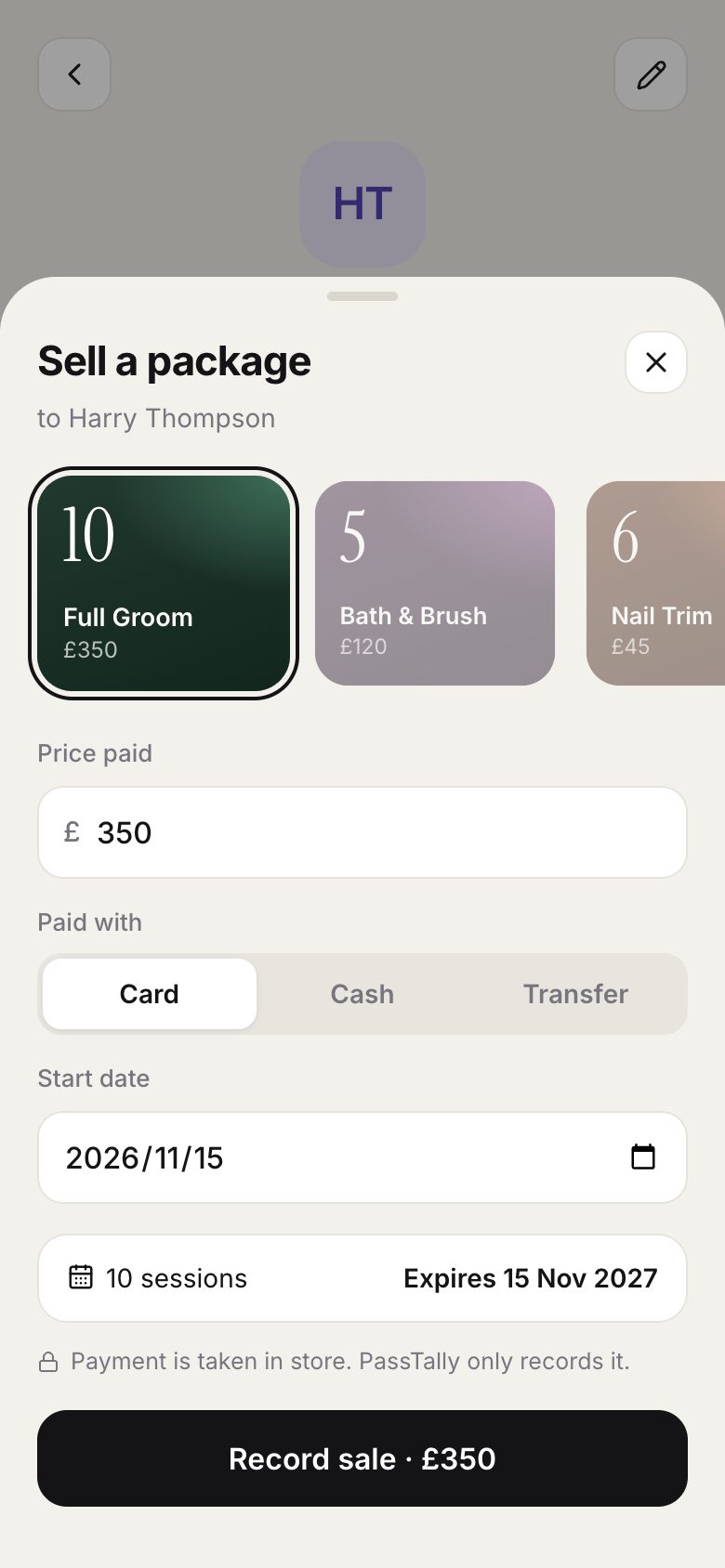
Record how they paid, then tap Record sale. The new package appears on their page.
Good to know
- When a package is used up or expired, tap Renew next to it to sell the same one again.
- Selling is also on Today: search for a customer without a package and tap Sell.