Staff and permissions
Let your team check customers in from their own phones, with the right permissions.
Step by step
-
1
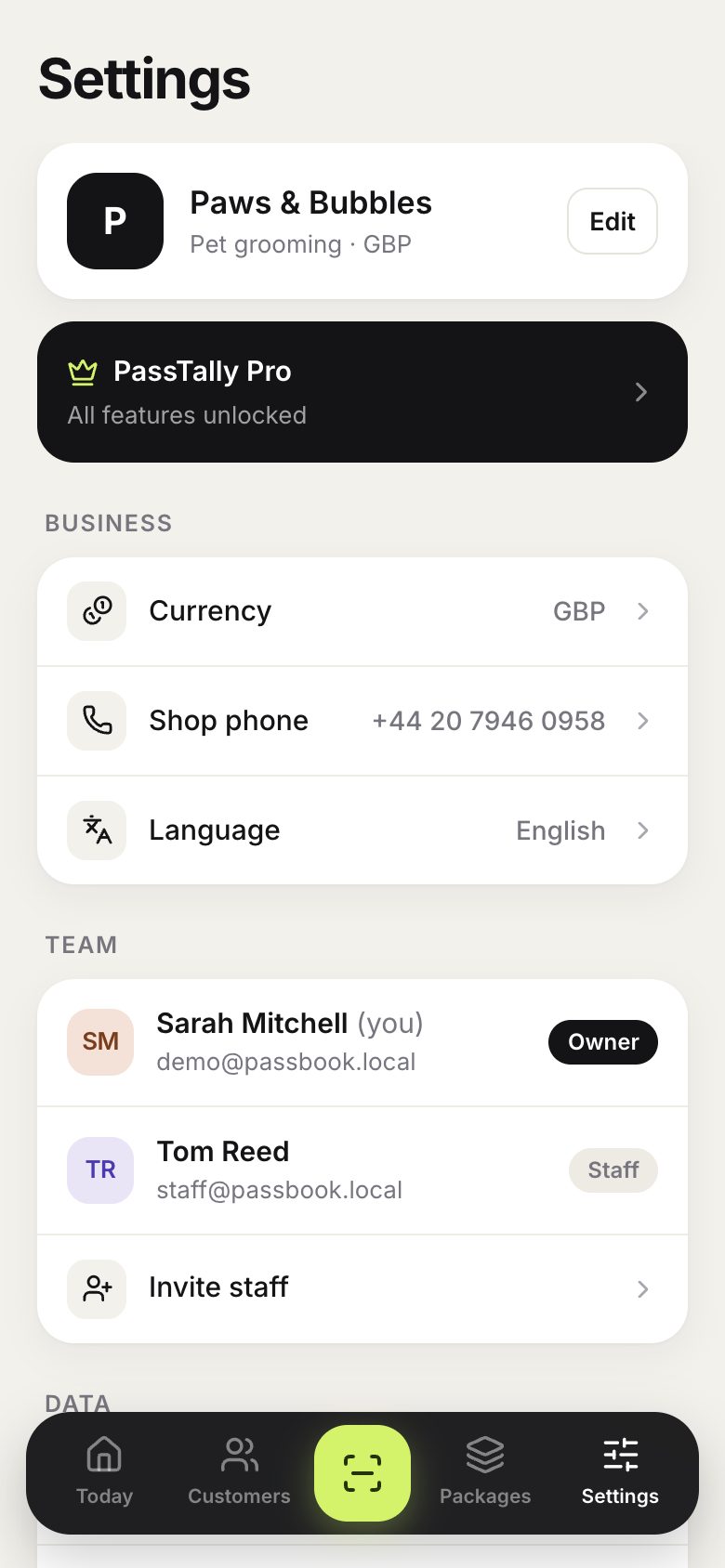
In Settings, the Team section shows everyone who can use your account.
-
2
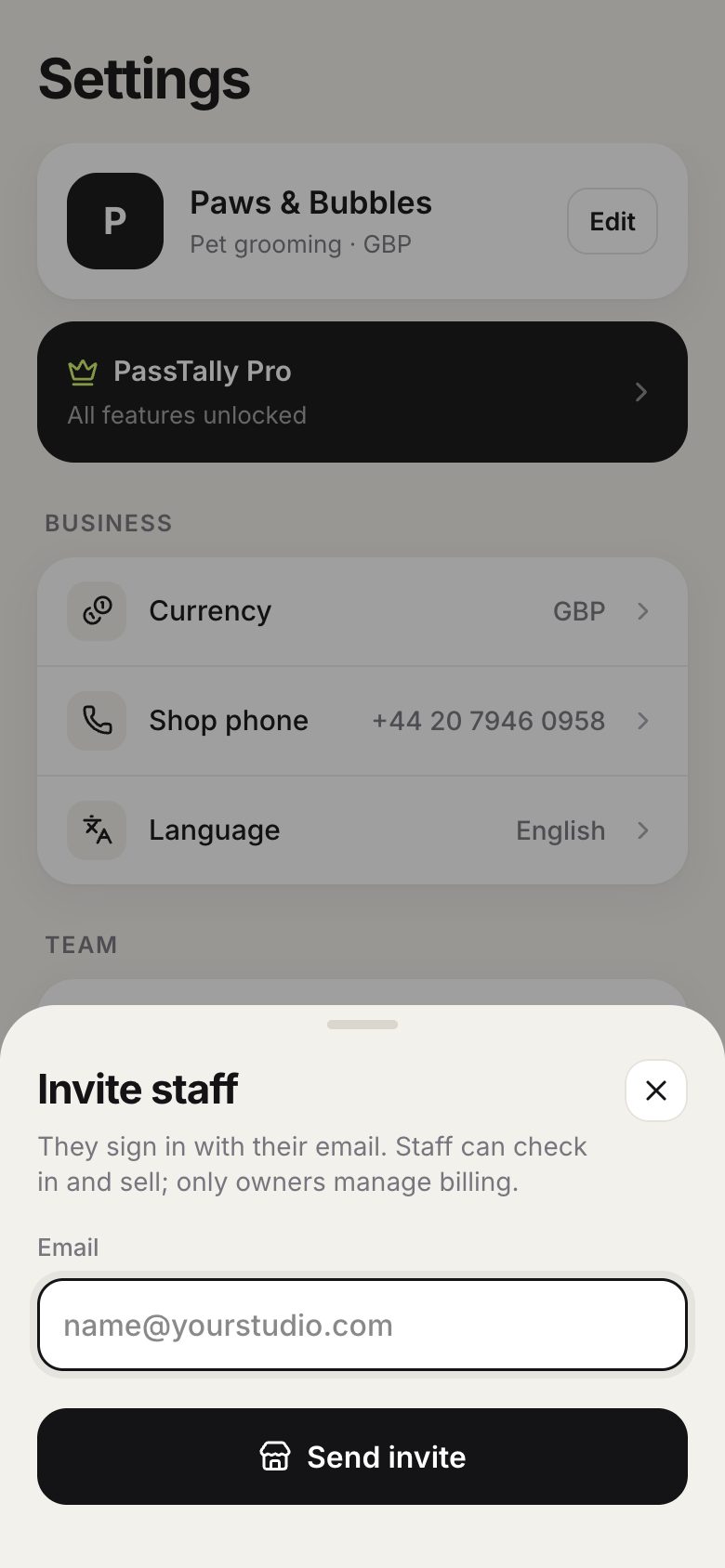
Tap Invite staff and enter their email. They sign in with their own email, no password needed.
Good to know
- Staff can check in, sell packages and add customers. Only the owner can change prices, manage billing, export data or delete the account.
- Every check-in records who made it, so you always know who served each customer.